You can now get Checkout 51 Gas Rewards on the popular rebate app!
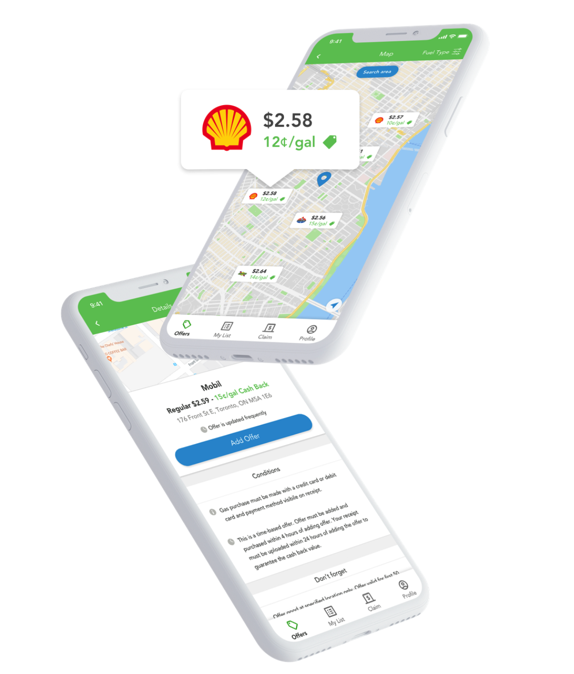
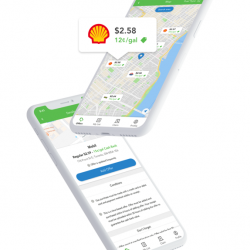
Checkout 51 — the savings app that offers lots of great grocery savings — is now offering cash back on gas at participating gas stations when you pay with a debit or credit card!
Here’s how to get your gas rewards with Checkout 51:
- Sign up with Checkout 51.
- Make sure you’ve updated to the latest version of the app on your phone.
- Go to your offer list and view gas offers by clicking on the carousel under the bonus section.
- Activate the gas offer by adding it to your list at your desired location.
- Once activated, you must make your fuel purchase within 4 hours of activation and pay with a debit or credit card.
- Upload your receipt right away
- Wait for your cash back!
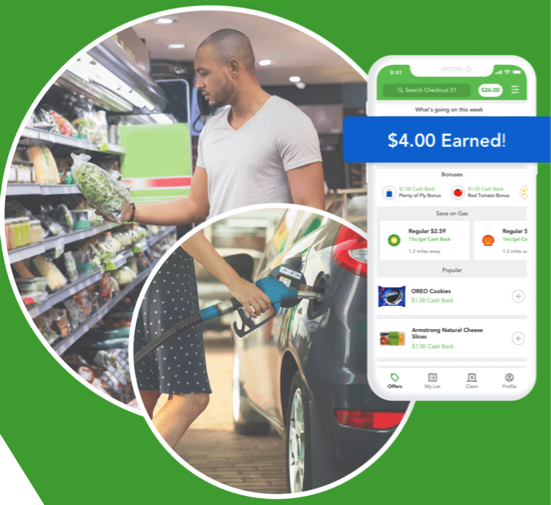
It’s that simple!! Have you tried earning Checkout 51 gas rewards yet? Let us know in the comments how it worked for you!