
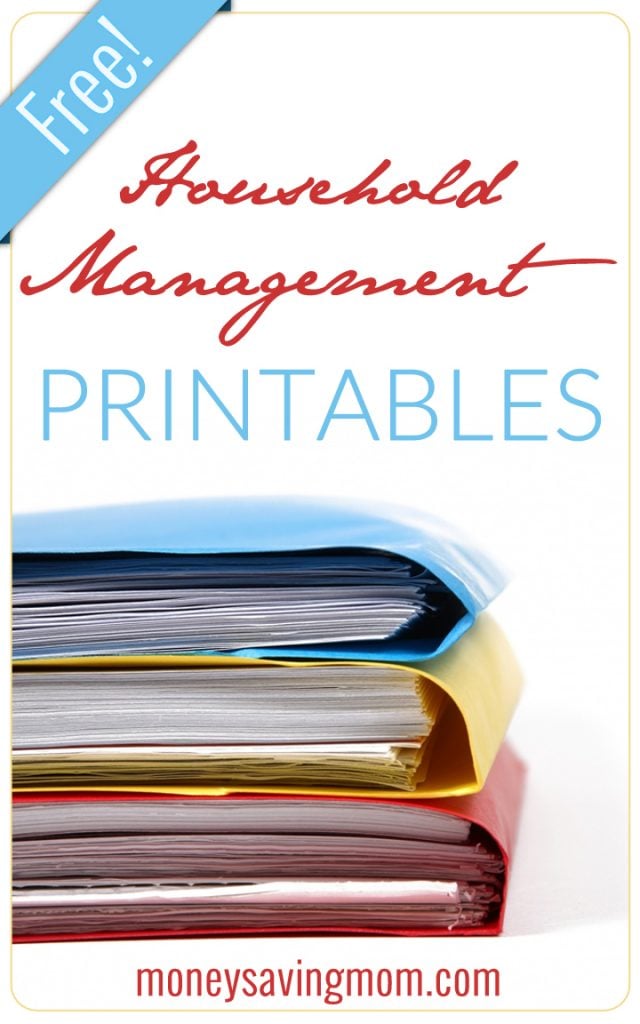

After many requests, we’ve re-vamped some of our free customizable household management organizational pages to fit a half-sized planner or notebook. We’ve put together a free download package of half-sheet planners which includes:
- Daily Docket
- Daily Cleaning List
- Monthly/Semi-Annual Cleaning List
- One-Week Menu Planner
- Seven-Day Menu Planner
For more information on how I use these sheets to keep my life and home organized and better manage my time, check out my Time Management 101 series or my free Time Management 101 ebook.
How to use the half-sheet planners
- Download the Half-Sheet Planner here (6 pages, 1.4MB pdf)
- Open the file in a PDF reader such as Adobe Reader, which you can download for free.
- Use your TAB key to tab through the customizable fields of each form. Each form has numerous fields in which you can enter your own information.
- Click on the section(s) you’d like to fill in.
- Type in your text.
- Print out the document when you’re done typing in your text. You’ll need to cut each sheet in half and properly holepunch it to use it in a half-sheet planner.
- Save your document if you’d like to save your changes. You’ll be able to open the document again to add different text at any time.
A big thanks to Joy from FiveJ’s for helping me put this together for you all!






 Do you have a fun and frugal DIY idea to share? I’d love to hear about it! Read the submission guidelines and submit it